 RecordbookHQ
Sales Tracking and Reporting Made Easy: Search, Filter, Sort and Act
Four tools for tracking every deal and reporting on it in seconds: search, filters, sort and color-coded action items, plus three weekly routines that use them.
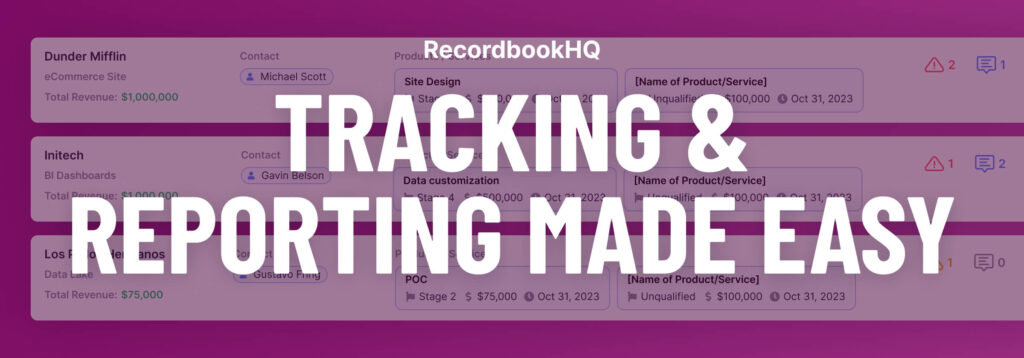
Sales tracking shouldn’t be a separate job from selling. Yet in most teams it is: someone exports the CRM, pastes it into a spreadsheet, adds a few formulas, and by the time the report is shared it’s already out of date. Recordbook takes a different approach. The opportunity list and the pipeline above it are the report, and four tools let you reshape that report in seconds: search, filters, sort and action items.
Search: one account, everything about it
Type an account name into the search bar and Recordbook lists every opportunity for that account. The pipeline at the top recalculates for that account alone, so you see its Closed, Forecast, Qualified and Unqualified revenue without building anything.
Use it before a customer call, when a partner asks “what do we have going at Acme?”, or when an executive wants a one-account summary five minutes before a meeting.
Filters: the view you actually need
Filters narrow the list to the deals that match. You can filter by:
- opportunity name
- tags, including several at once
- account name
- contact name
- product and service metrics
As with search, the pipeline updates to match the filtered list. That is what makes filters a reporting tool and not just a way to find things: “all deals tagged with this partner,” “every deal a given contact is involved in” and “everything for one product line” are each one filter away, and each comes with its own pipeline totals.
Sort: what needs attention first
Sorting puts the list in the order that matches the question you’re asking. You can sort by:
- Action items due (soonest), for your to-do list across every deal.
- Notes (newest), to see where the most recent activity happened, which doubles as a weekly activity report.
- Close date, to catch deals whose dates have slipped into the past.
- Stage, to see how deals are distributed through the sales cycle.
- Total revenue, to put the biggest deals at the top.
Sorting is like having a manager who tells you what to look at next, without the meeting.
Action items: color tells you what’s urgent
Every opportunity can carry action items with owners and due dates, and Recordbook color-codes them as deadlines approach. Yellow means an action is due within seven days. Red means it’s due within three. Combined with sorting by action items due, the color turns the opportunity list into a prioritized task list without a separate task manager. More in sales action items.
Three routines that use them
The Monday review (10 minutes)
- Sort by action items due. Clear or reassign everything red.
- Sort by close date. Update any deal whose close date has passed.
- Glance at the pipeline. If Forecast moved more than you expected, the deals at the top of the close-date sort usually explain why.
The partner check-in (5 minutes of prep)
- Filter by the partner’s tag.
- Sort by notes (newest) to see what changed since you last spoke.
- Sort by action items due to see what each side owes the other.
Because Recordbook connects your CRM and your partner’s to one shared workspace, your partner is looking at the same deal records you are. The call starts with a shared picture instead of twenty minutes of “where is this one?” The co-selling guide explains why that recap is where co-sell motions lose most of their time.
The quarter-end report (15 minutes)
- Set the From and To dates to the quarter.
- Read Closed and Forecast in-period revenue straight from the pipeline.
- Filter by each partner or segment tag in turn and note their numbers.
- Sort by notes (newest) for the story behind the numbers.
No exports, no formulas, no reconciling two versions of the truth. For more combinations, see advanced sales reports and custom reports with tags.
Why this beats a reporting spreadsheet
A spreadsheet is a snapshot. It’s accurate the moment it’s made and drifts every hour after. A filtered view in Recordbook is calculated from the live opportunities every time you open it, so the report and the deals can’t disagree. When someone asks for “the latest numbers,” you don’t make a new file. You open the same view again.
Try it on your own pipeline
Recordbook is free to start. Every feature is on every plan, and adding your team or your partners costs nothing extra. Create your free workspace.
The Recordbook Fundamentals series
- What’s in a sales opportunity?
- Understanding your sales pipeline
- Sales management, all on one screen
- Be in the know with sales notes
- Stay on track with sales action items
- Know your sales contacts
- Access sales intel in seconds
- Create custom sales reports with tags
- Advanced sales reports
- Sales forecasting
- Sales goal tracking